 DolbyFlow
Features · Engines
Your Mac. Your keys.
Your server.
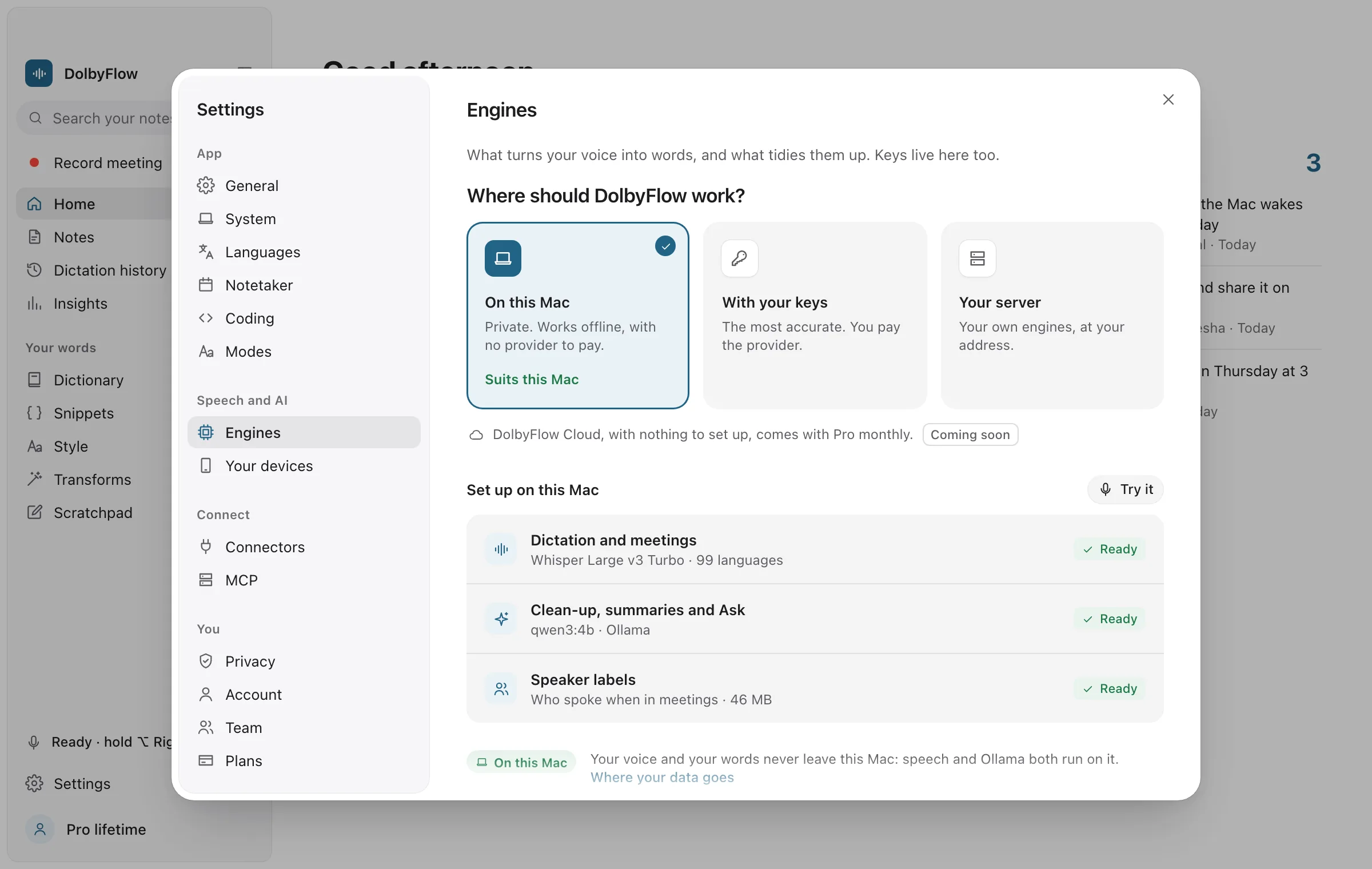
You choose where your voice becomes words. Nobody else is in between.
How it works
Pick where it runs.
01
Choose where
On this Mac, with your keys, or your server.
02
Get the model
DolbyFlow suggests models that suit your Mac, downloads them once and checks each file.
03
Talk
On this Mac, pull the Wi-Fi and it keeps working.
Details
The three choices.
On this Mac
Speech in Whisper or Parakeet. On Pro lifetime, clean-up, summaries and Ask in models such as Qwen, Gemma or gpt-oss, sized for your Mac’s memory.
Your own models
Add a whisper.cpp or GGUF file, or a Hugging Face link. It is checked before it is used.
With your keys
OpenAI, Anthropic, ElevenLabs, Deepgram, Groq, Mistral or Gemini. Keys stay in your Mac’s Keychain and go only to that provider. You pay the provider.
Your server
Any OpenAI-compatible address. Ollama and LM Studio on your Mac are found by themselves. A new address asks you before anything is sent.
DolbyFlow Cloud
Nothing to set up, with Pro monthly. Coming soon
Plans and devices
Where you get it.
Plan
Free: speech on this Mac. Pro lifetime and Enterprise: all three, for speech and AI.
Devices
Mac today: macOS 13 or later, Apple silicon.
Privacy
Your voice and words go only where you choose. Where everything goes.
Which is most private?
On this Mac. Nothing leaves it.
Can DolbyFlow see my keys?
No. They stay in your Mac’s Keychain and go only to that provider.
What does my Mac need?
Apple silicon and macOS 13 or later. DolbyFlow suggests a model for its memory.
Pro lifetime
Speak.
It’s written.
One payment, no subscription, with a 30-day refund. Dictation on your Mac stays free.